Nue Games / Tools

NTools.

The tools behind our games. We build them for our own projects first, then polish them so other developers can use them too.

Desktop app · Windows · Early access

NdieRelay

One drop. Every feed.

A marketing hub for game studios: publish one clip to every feed, plan campaigns on one calendar, reach press and creators, and see which posts moved your Steam wishlists.

Explore NdieRelay

trailer_cut.mp4

0:28 · 9:16 · ready

YouTubeAccount connect
TikTokAccount connect
InstagramAccount connect
BlueskyAccount connect
DiscordAccount connect
XGuided post
RedditGuided post
Steam eventsGuided post

N Tools for Unity

Editor tools with real samples

Verified in Unity 6000.3.9f1 on Windows with the Built-in Render Pipeline and URP. Requires Unity UI, Input System and Text Mesh Pro Essential Resources.

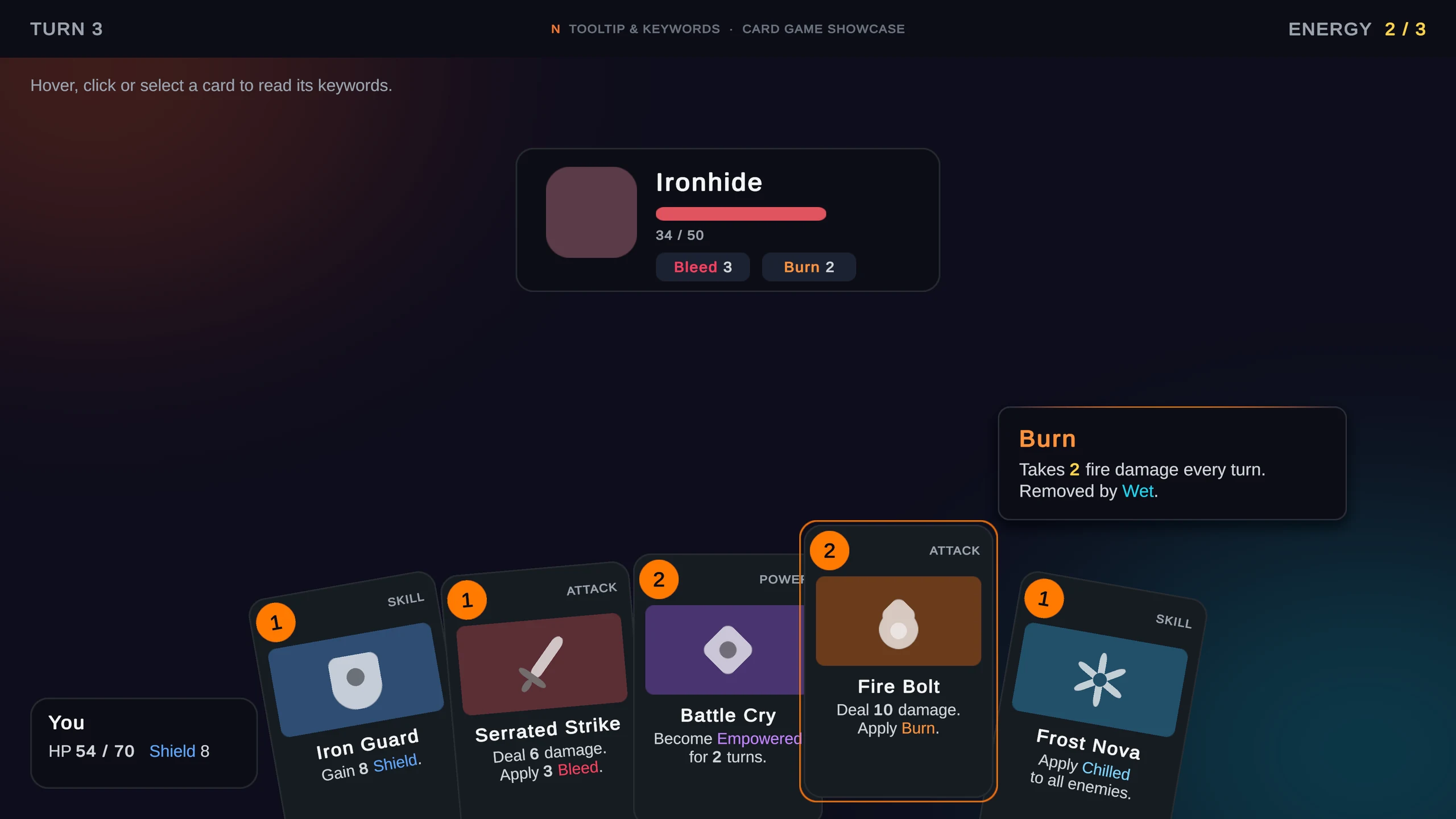
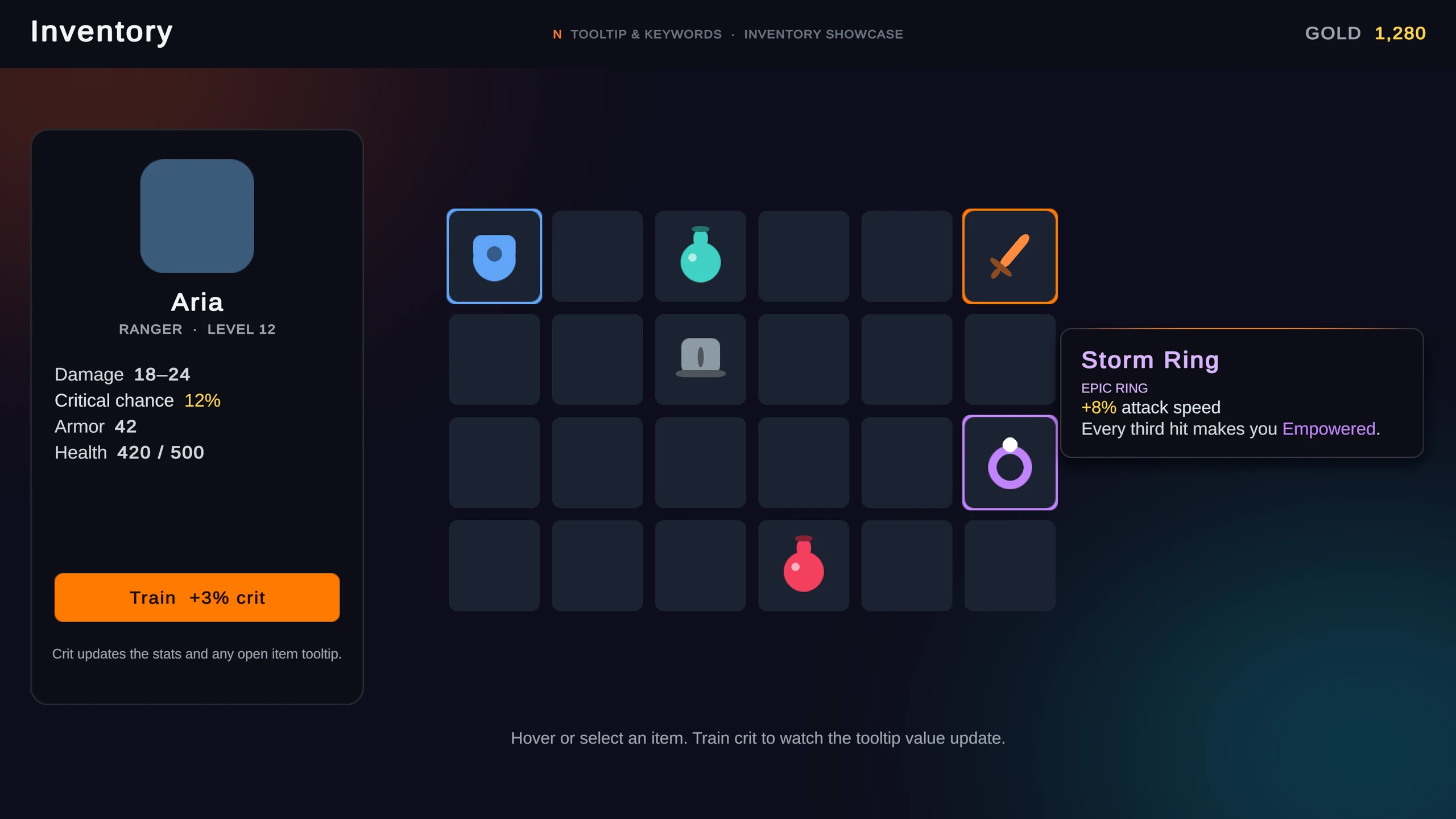
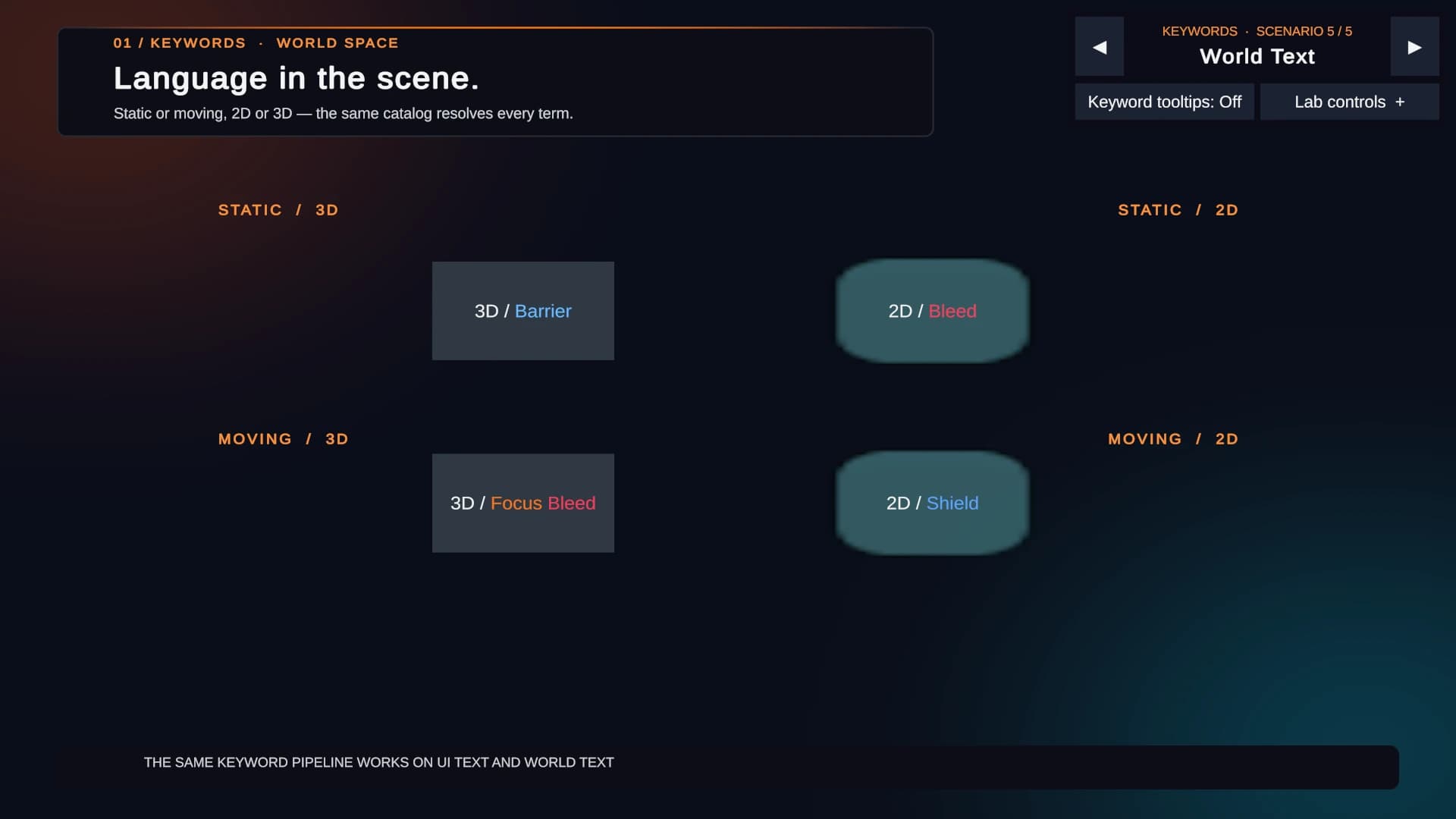
Card game sample with a Burn keyword tooltip open above a Fire Bolt cardInventory sample showing a Storm Ring tooltip with a live attack-speed valueKeywords resolved on static and moving 2D and 3D world objects, with the sample LAB scenario bar in the corner
Unity · GUIIn Unity Asset Store review

N Tooltip & Keywords

Make every detail feel connected.

Responsive tooltips for Unity UI and 2D or 3D objects, with a keyword system that turns plain text into styled, localized and live-value terms. Write <kw:BURN> once and every card, item and tooltip shows it the same way.

  • Hover, click, gamepad selection and touch long press, or NTooltip.Show from code
  • Follows moving targets and flips or clamps near screen edges and the safe area
  • Nested keywords with their own colors, live #value numbers and translation fallbacks
  • Tooltip and Keyword Studios with validation for missing, duplicate and recursive IDs
2 game showcases9 sample scenes with LAB controlsIllustrated PDF guidesEditMode + PlayMode testsNo third-party dependencies

Try the markup

Keywords, live in your browser

Web imitation of the Unity resolver
In game · hover, focus or tap a keyword
Deal 10 damage. Apply Burn 2BurnTakes 2 fire damage every turn. Removed by Wet..
2

In Unity, a runtime value source updates this number while the text is on screen.

Validator: all keywords resolved.
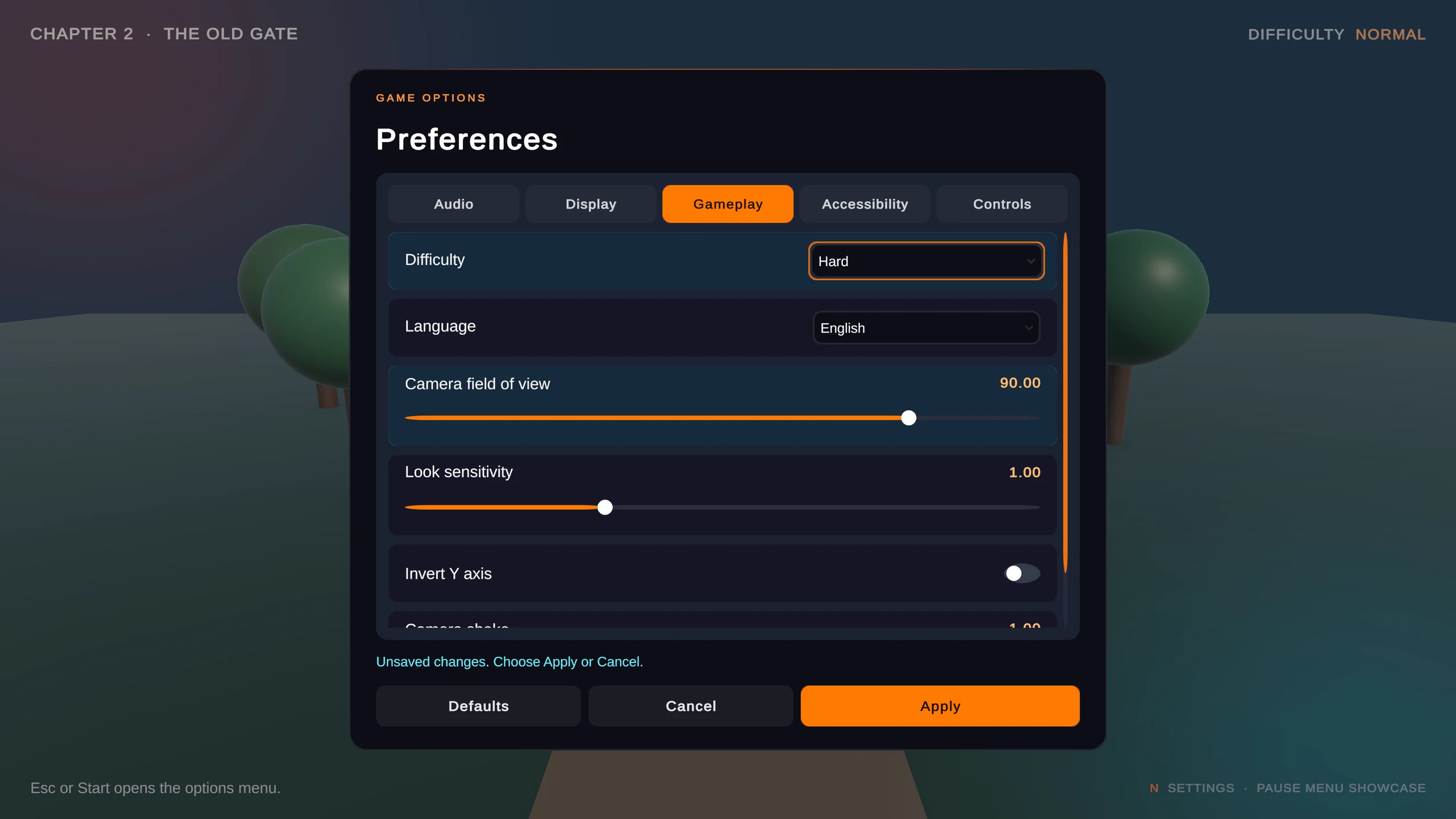
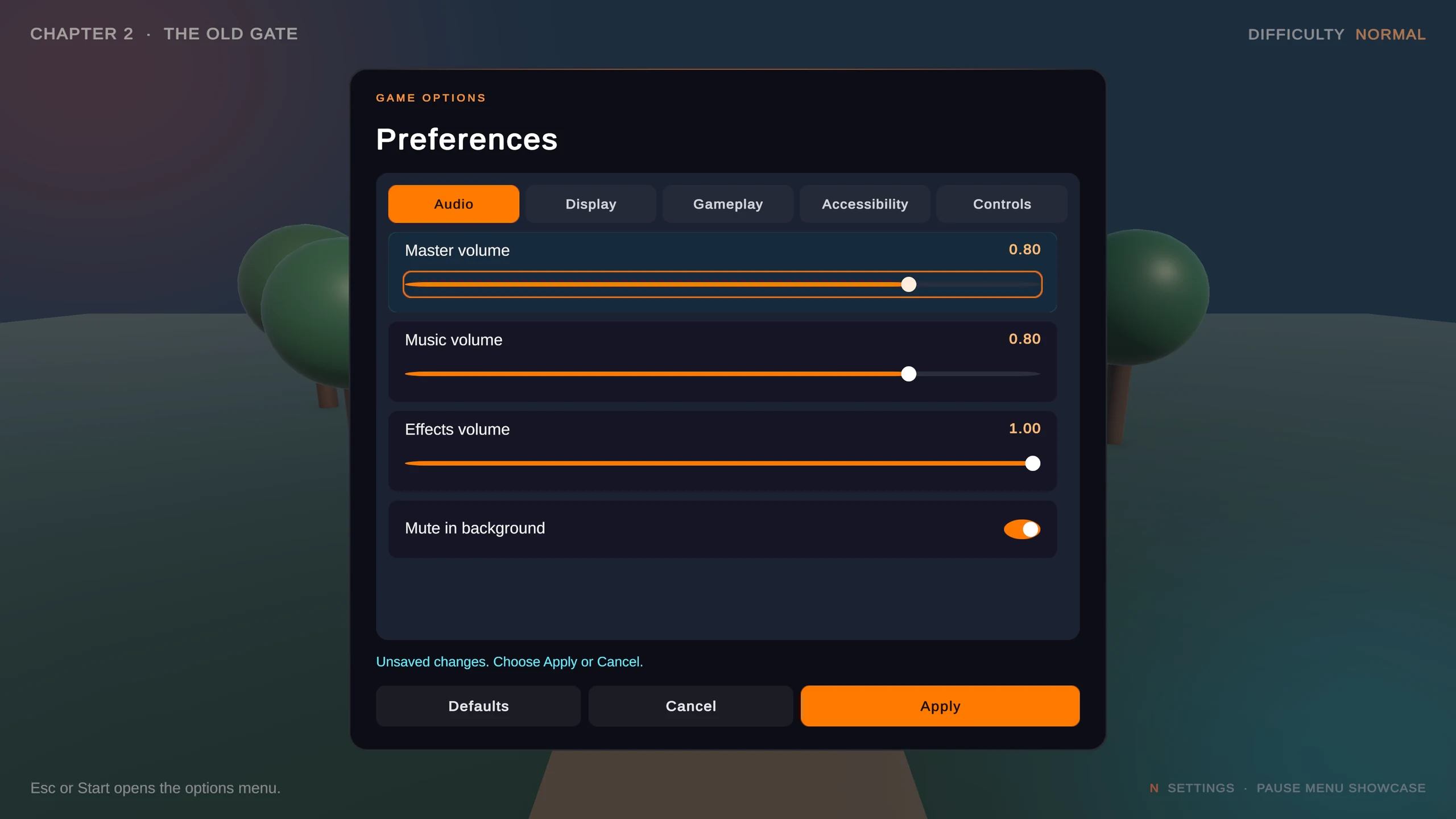
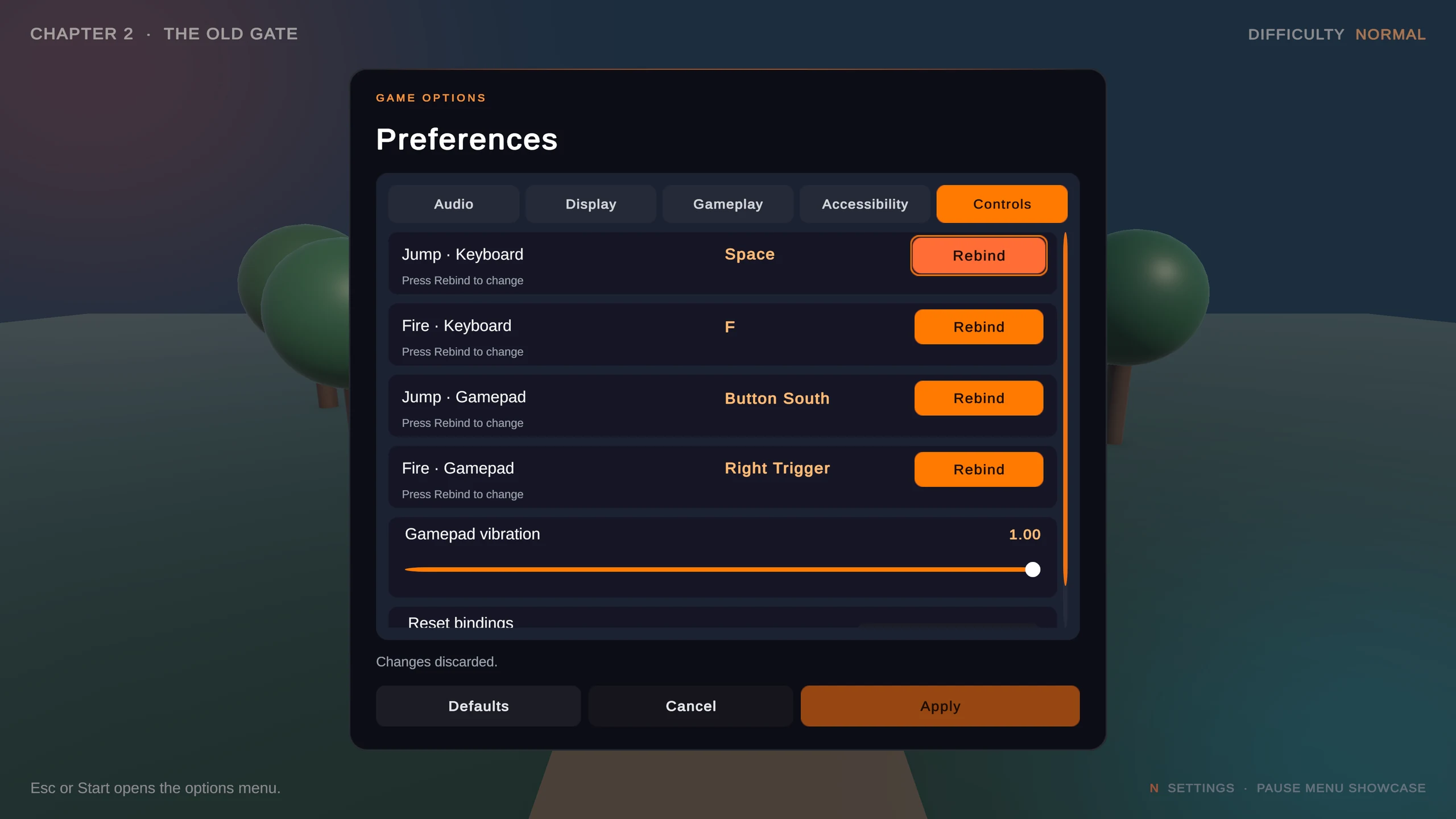
Pause menu over a 3D scene with pending Difficulty and camera field of view changes highlighted in cyanAudio page with master, music and effects volume sliders and an unsaved-changes promptControls page with keyboard and gamepad rebinding rows
Unity · GUIIn Unity Asset Store review

N Settings

Game options, beautifully organized.

Build a settings menu from editable profiles instead of hand-wired UI. Changes are staged until the player applies them, so Apply, Cancel and Defaults always behave the way players expect.

  • One-click Game-Ready profile: 25 common settings across Audio, Display, Gameplay, Accessibility and Controls
  • Settings Studio for pages, toggles, sliders, choices and actions, plus your own setting types
  • Staged Apply, Cancel and Defaults with rollback if applying fails
  • Typed, versioned saving by stable ID, so renamed settings keep their values
  • Keyboard and gamepad rebinding with duplicate-binding feedback (Input System)
Pause-menu showcase5 sample scenes with LAB controls8 live gameplay hookupsWorks without N Tooltip

Try the flow

Change. Review. Commit.

Web imitation of a settings session
60°
70%
All changes saved.
LIVE GAMEPLAY
FOV 60° · MUSIC 70%
SUBTITLE: Gate open.

On the workbench

Next in the collection

N Build

In development

Build profiles for Game, Demo and Playtest with versioning that only advances on a successful build.

N Steam Publisher

In development

An optional N Build extension that previews and uploads builds to Steam beta branches.